How do I collect VilaNet diagnostics?
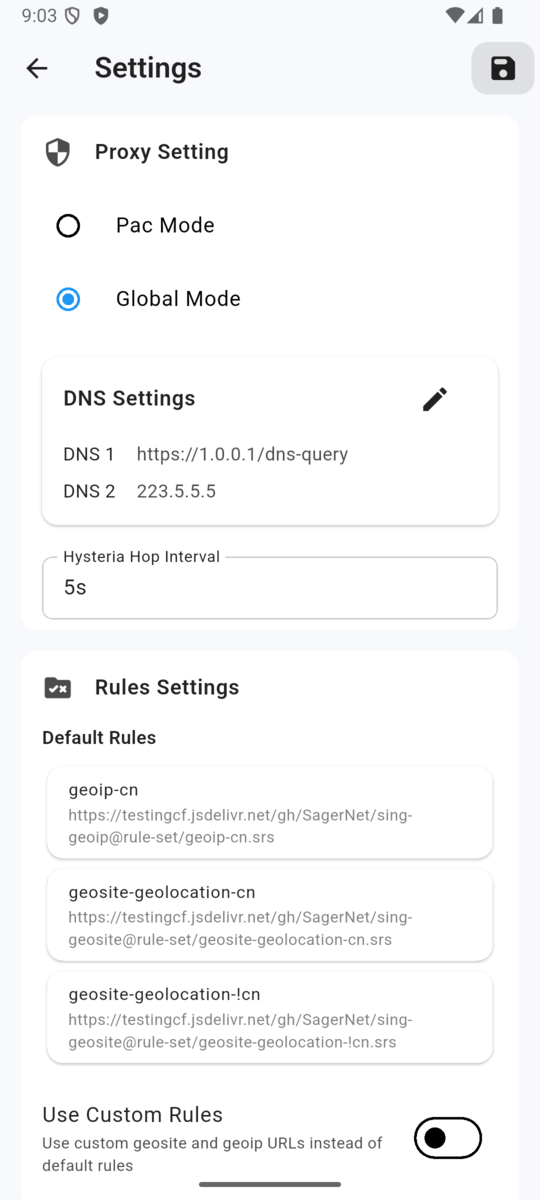
Preserve the first useful error, reproduce the problem once, and collect the support information available in your VilaNet app. Review everything before sending it; never include a password or raw subscription data.
- Note your device platform, VilaNet version, selected server and network type.
- Record the exact error text and when the problem occurred.
- Reproduce the problem once without repeatedly reinstalling or changing advanced settings.
- Open the diagnostics or support area documented for your VilaNet platform.
- Use its copy or export option only if one is present in your current app.
- Review the information and remove passwords, raw subscription URLs, tokens, account details and unrelated private information.
- Send the redacted information with a short description of what you expected and what happened.
Success check
You have the exact error, platform, app version, selected server, network type and redacted support information. The material is useful only after you have reviewed it for private data.
If diagnostics are unavailable
- There is no diagnostics or export option: do not guess a hidden path. Send the exact error and the context listed above instead.
- The app closes or loses the error: record what is still visible and stop changing settings before more evidence is lost.
- You are unsure whether the export is safe to share: do not send it. Follow Contact support with the non-sensitive details first.
Was this page helpful?