Can I still use a third-party V2Ray client?
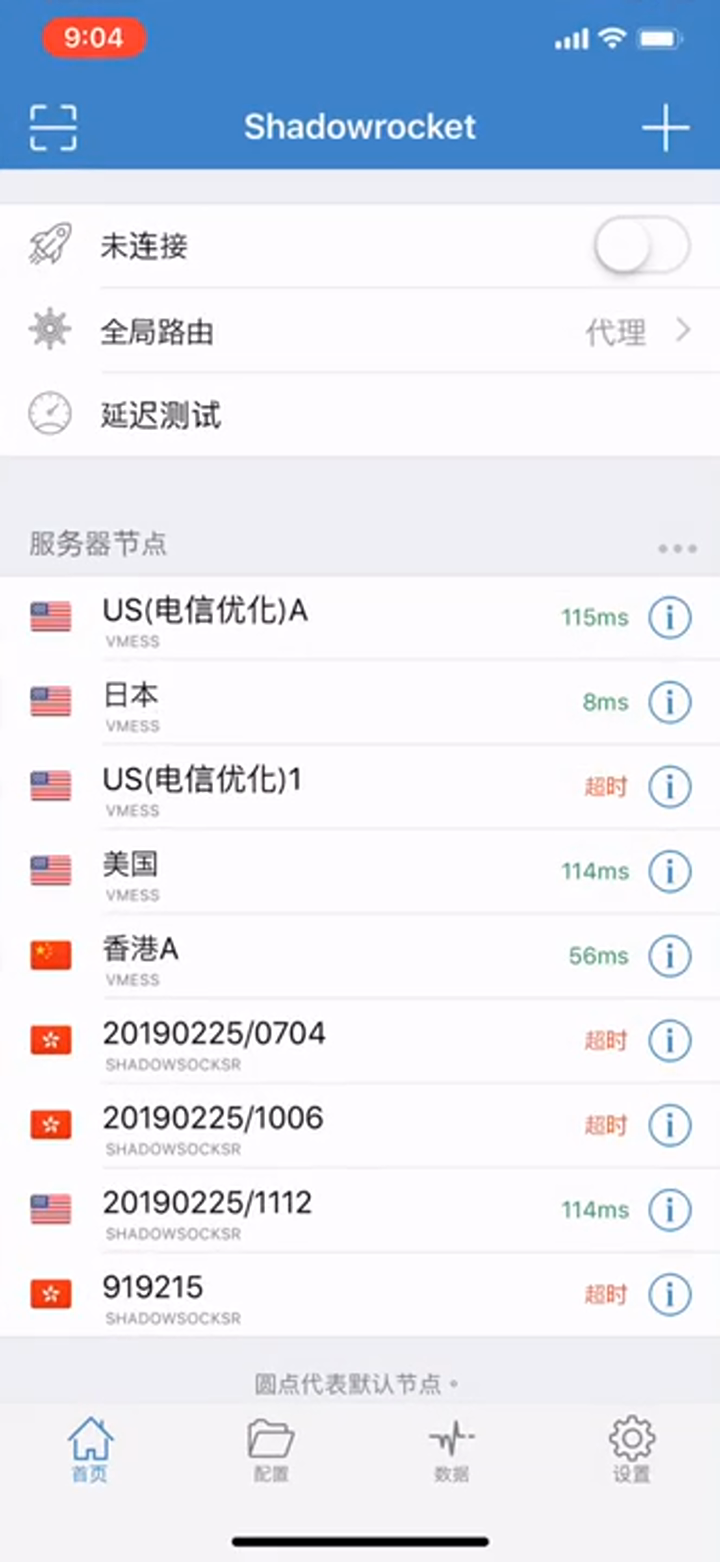
Legacy third-party clients may remain available for compatibility, but new installations should start with official VilaNet apps. Their UI, security behavior and support boundaries are controlled by other vendors.
Recommended path
Install the official VilaNet app for your device. It receives the current VilaVPN connection flow and is the supported starting point for new users. Keep a third-party app only when your active service still provides a compatible configuration and you specifically need that client.
Existing third-party tutorials
The following videos describe older third-party-client workflows. Treat them as archived compatibility references: their screens and labels may no longer match the current app or VilaVPN service.
- Shadowrocket on iPhone or Apple TV
- Quantumult X on iPhone or Apple TV
- V2RayNG on Android
- Clash on Android
- Legacy Windows client
- Legacy Mac client
Move to VilaNet
- Leave the existing client installed until VilaNet has been tested.
- Download VilaNet only from the official downloads page or the platform store linked in this documentation.
- Sign in with the same VilaVPN account.
- Choose Auto Select and make a first connection.
- Confirm ordinary websites work before disconnecting the old client.
- Never run two VPN clients at the same time while testing; their routes and system VPN permissions can conflict.
- Remove the old client only after VilaNet works and you no longer need its local configuration.
If the old client still works but VilaNet does not
Preserve the exact VilaNet error, app version and platform version. Confirm the old client is fully disconnected, then try Auto Select once. Do not send a subscription URL, QR code, password or unredacted configuration to support. Continue to Cannot connect.
The image in this guide is a real frame from VilaVPN's archived Shadowrocket tutorial. It is clearly presented as historical context; the third-party interface must still be checked against its current release before following exact labels.
Was this page helpful?