Should I use VilaNet OpenWrt or VilaNet Merlin?
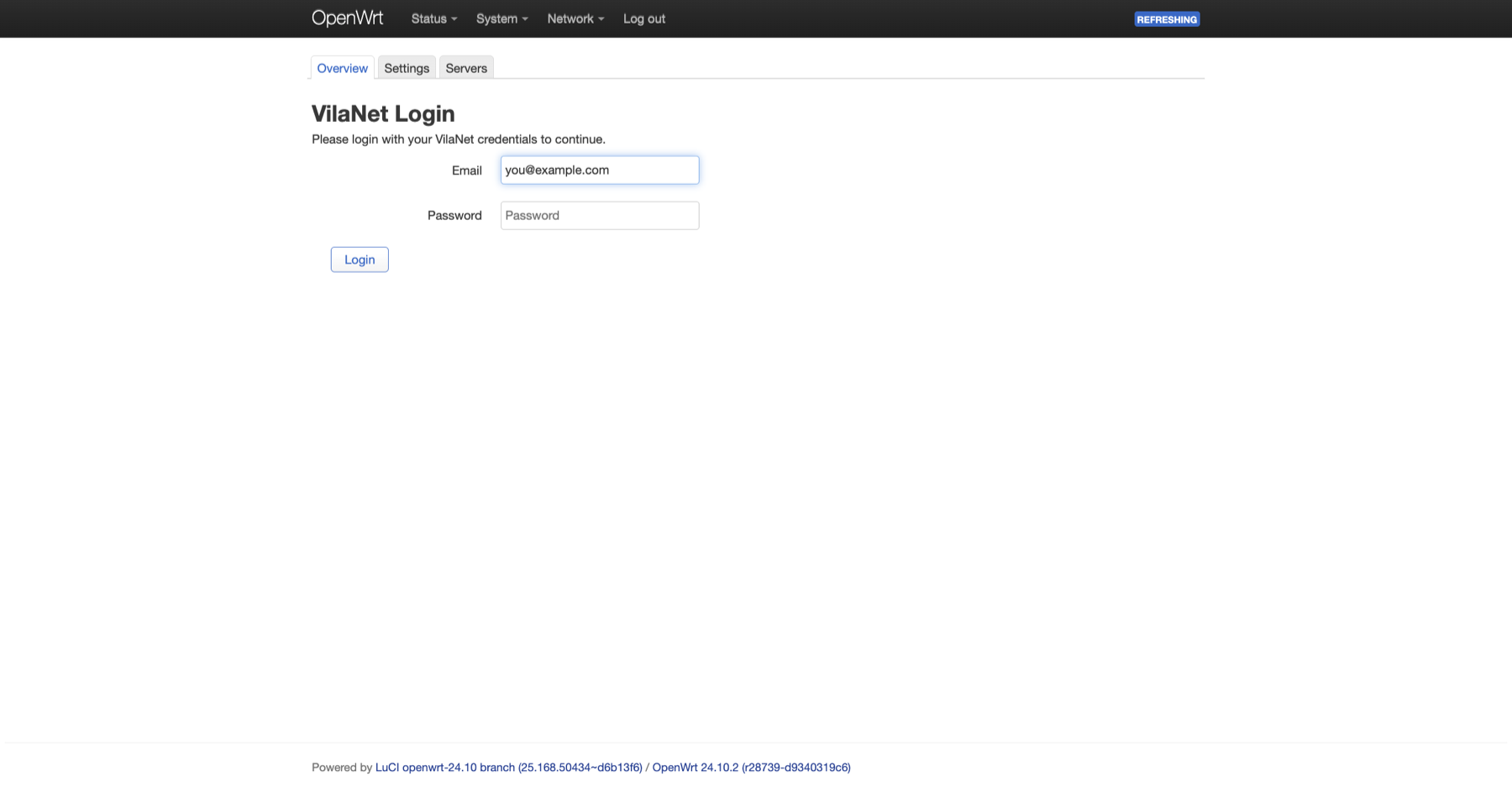
Use OpenWrt on a compatible OpenWrt router and Merlin on a compatible ASUSWRT-Merlin router. Do not flash different firmware only to follow a generic guide; verify the exact model and create a backup first.
Quick decision
| Your router today | Recommended path | Fit score |
|---|---|---|
| It already runs supported OpenWrt 24.10 or later | VilaNet OpenWrt | 94/100 |
It already has the Koolshare rogsoft Software Center on supported HND firmware |
VilaNet Merlin | 82/100 |
| It runs stock vendor firmware or an unlisted firmware family | Use VilaNet on each device instead | 91/100 |
| You would need to flash unfamiliar firmware only for VilaNet | Do not proceed from this guide | 18/100 |
OpenWrt has the broader documented package and recovery path. Merlin is useful for the narrower supported Koolshare HND environment, but physical-router proof is still pending and the package must not be generalized to every ASUS router.
Before choosing
- Record the router model, CPU architecture and exact firmware version.
- Export the router's configuration backup.
- Confirm that another device can reach the router locally if internet routing stops.
- Confirm that the appropriate guide explicitly supports the installed firmware family.
- Keep a copy of the current working package and recovery instructions before installing or updating VilaNet.
Choose OpenWrt when
- the router already runs supported OpenWrt or the documented iStoreOS path;
- the package architecture is available for the router;
- you can use LuCI and, when necessary, an SSH terminal; and
- you can test browsing and DNS from a separate LAN device.
Start with Install VilaNet on OpenWrt. Do not substitute packages from another architecture or use the retired legacy installer.
Choose Merlin when
- the router already exposes Koolshare Software Center / 软件中心;
- the package family is
hndand meets the guide's compatibility checks; and - you accept that installation, routing and rollback still need final physical verification on the exact router.
Start with Install VilaNet on Koolshare Merlin. Generic ASUSWRT-Merlin without the supported Koolshare environment is not enough.
Success check
Before installation, you should know the exact guide, package, backup and local recovery path you will use. If any of those remain uncertain, use the official VilaNet app directly on the phone, computer or TV instead of changing router firmware.
Screenshots remain pending because the correct choice depends on the real router administration surface. A generic or reconstructed router image would be misleading.
Was this page helpful?