Can I still use OpenConnect?
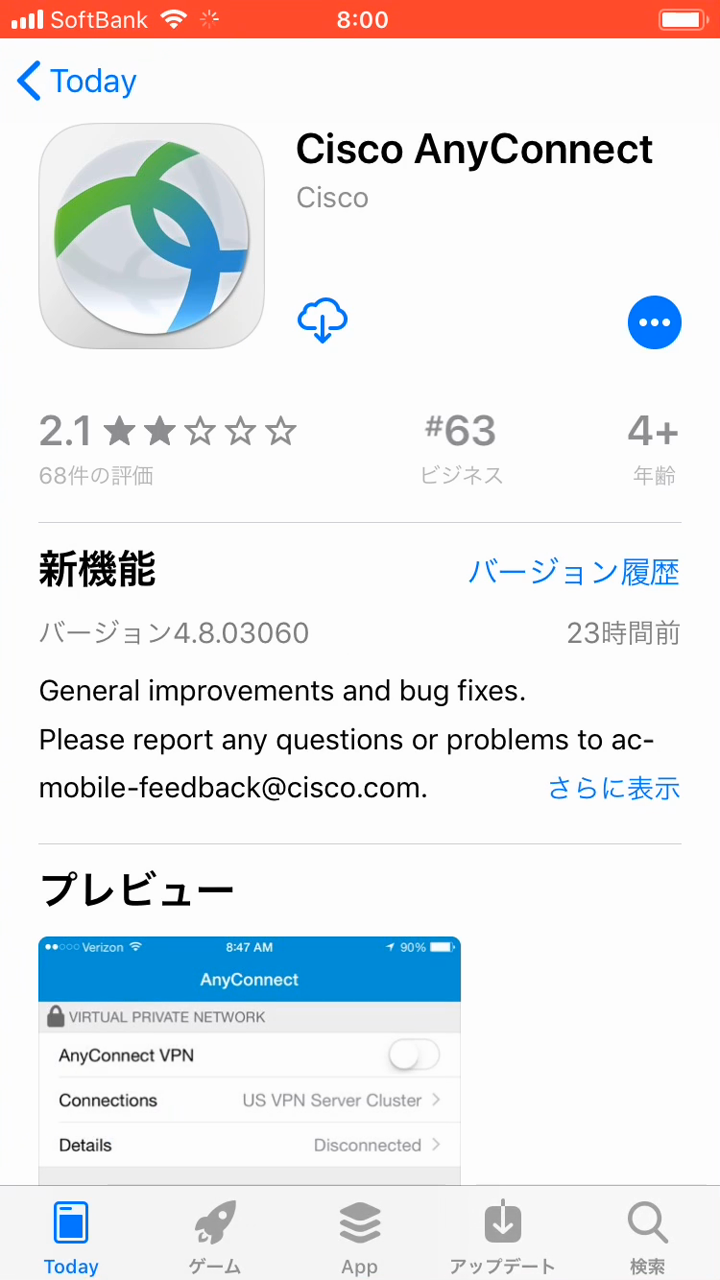
OpenConnect remains a legacy compatibility path where offered. Prefer the official VilaNet app for new installations and keep old instructions clearly separated from current official-app guidance.
Use OpenConnect only when your active VilaVPN service explicitly provides the required OpenConnect server and account details. A VilaVPN website login alone does not guarantee that an OpenConnect profile is available.
Archived OpenConnect videos
These videos show the older setup flow and may not match the current operating system or OpenConnect client. Use them only as compatibility references.
Before connecting
- Confirm that the service package still includes OpenConnect access.
- Install the client from its current official store or publisher.
- Obtain connection details only through the authenticated VilaVPN account or a support reply intended for your account.
- Do not reuse details shown in an old video or another customer's guide.
- Disconnect any other VPN before starting OpenConnect.
Prefer VilaNet for a new setup
- Choose the official VilaNet app for your device.
- Install it from the linked store or official download.
- Sign in, choose Auto Select, and connect.
- Confirm ordinary internet traffic works.
- Keep OpenConnect only if you still need it as a tested fallback.
If OpenConnect fails
Record the platform, client version and exact error without copying the server, username or password into a screenshot. Confirm that the profile is still active and that ordinary internet access works while disconnected. Support may need to confirm whether the legacy service remains enabled for the account.
The image in this guide is a real frame from VilaVPN's archived AnyConnect iOS tutorial. It provides historical context only; the third-party client's current interface and release must still be checked before following exact labels.
Was this page helpful?