How do I contact support with useful diagnostics?
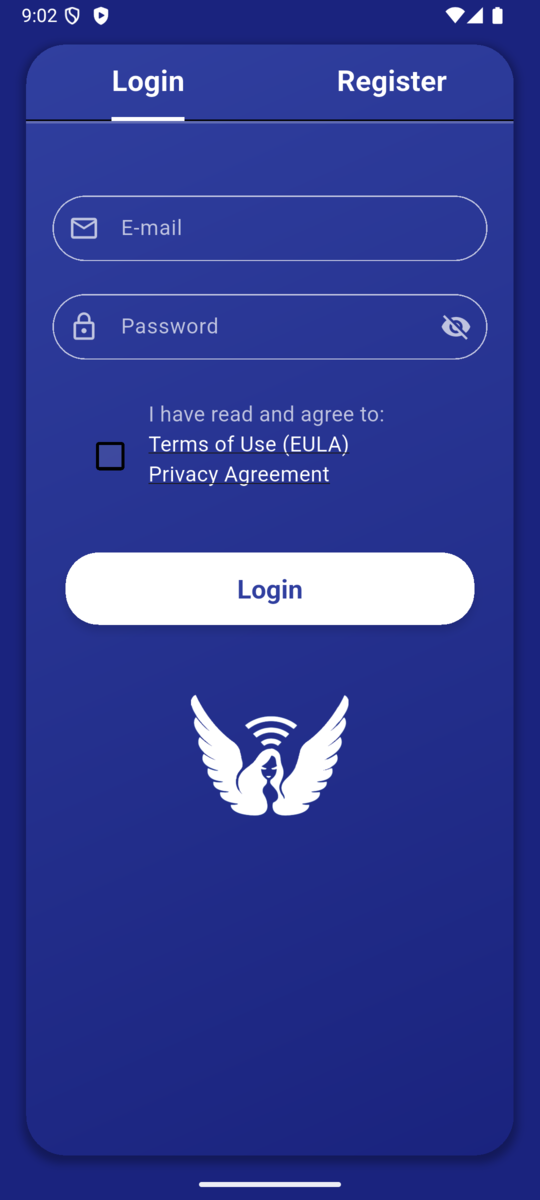
Contact VilaVPN support through one of the channels below and include the platform, VilaNet version, exact error, time of failure and redacted diagnostics. A short, reproducible report is more useful than repeated retries or an unreviewed data dump.
- Support ticket (recommended): open a ticket from your client area at vilavpn.com/submitticket.php. This requires you to sign in and is the canonical channel for account-specific help.
- AI support chat: open the chat widget at the bottom of vilavpn.com for instant answers to common questions.
- Contact form: for general inquiries, sign in and use vilavpn.com/contact.php. If you cannot sign in, use the AI support chat above instead.
- Preserve the exact error and the final VilaNet connection state.
- Record the device platform, operating-system version and VilaNet version.
- Record the selected server, network type and when the failure occurred.
- Write one sentence describing what you expected and what happened instead.
- Add the shortest numbered steps that reproduce the problem.
- Collect VilaNet diagnostics if they are available on your platform.
- Review every attachment and remove passwords, raw subscription URLs, tokens, customer data and unrelated private information.
- Send the report through one of the support channels above; a signed-in support ticket is best for anything tied to your account.
Success check
The report identifies the affected device and app version, preserves the exact failure, explains how to reproduce it, and contains only reviewed, redacted attachments.
If you cannot provide every item
- Diagnostics are unavailable: send the exact error and context; do not invent a diagnostics path or attach unrelated files.
- The issue cannot be reproduced: describe what you were doing before it happened and whether it has happened more than once.
- You are unsure whether an attachment contains private data: leave it out and ask support what specific information is needed.
- The issue is urgent because all traffic fails while connected: leave VilaNet disconnected if that restores access, and include that result.
Was this page helpful?