How do I recover or roll back a VilaNet router installation?
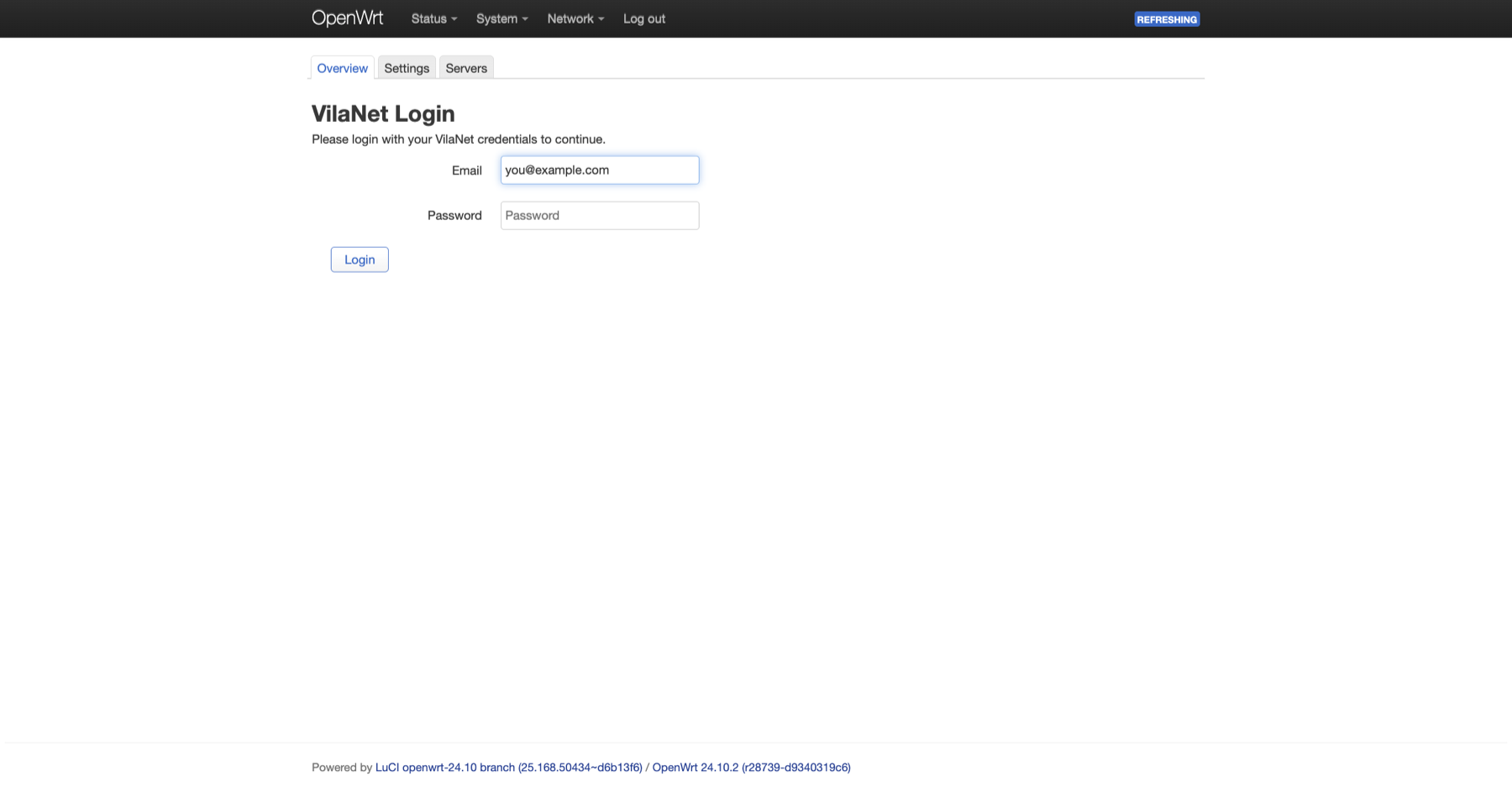
Stop before resetting or reflashing the router. First restore ordinary internet access, preserve a small diagnostic record, and identify whether the problem is the VilaNet service, its packages or the router firmware.
{% hint style="warning" %} Do not reflash firmware as a first troubleshooting step. A failed or incompatible firmware operation can make the router unreachable. Firmware recovery is model-specific and is outside this guide. {% endhint %}
Restore internet access first
If devices behind the router cannot reach the internet, stop VilaNet over SSH:
/etc/init.d/vilanet stop
/etc/init.d/vilanet status
Test a normal HTTPS website from a device connected to the router. If internet access returns, leave VilaNet stopped while you collect evidence.
If the router is not reachable over the network, use the router manufacturer's local recovery instructions for the exact model. Do not use a generic firmware image.
Record the current state
Run these commands before reinstalling anything:
cat /etc/openwrt_release
command -v opkg || command -v apk
vilanet version
vilanet status --json
/etc/init.d/vilanet status
logread | grep vilanet
Save the output locally. Review it before sending it to support and remove email addresses, subscription data, server identifiers, IP addresses or tokens. Never send a password.
Also record:
- Router manufacturer and exact model
- Whether the router is still reachable through LuCI and SSH
- The action immediately before the failure
- Whether stopping VilaNet restored ordinary internet access
- The VilaNet package filenames that were installed
Back up the VilaNet configuration
Create a normal OpenWrt configuration backup from System > Backup / Flash Firmware and store it away from the router.
Treat the backup as sensitive. It may contain account or network configuration. Do not attach the full archive to a support ticket.
Choose the least destructive recovery
| Situation | Next action |
|---|---|
| LuCI menu is missing, but the CLI works | Restart rpcd, hard-refresh LuCI and confirm the LuCI package is installed |
| VilaNet will not start | Preserve status and logread, then follow the package-manager-specific repair guidance below |
| Ordinary internet works only when VilaNet is stopped | Leave it stopped and send redacted diagnostics to support before changing routing settings |
| Failure began immediately after an upgrade | Record both old and new versions; do not install an older package until compatibility is confirmed |
| Router itself is unreachable | Follow the exact manufacturer's local recovery process; do not continue with package commands |
Repair a missing LuCI menu
/etc/init.d/rpcd restart
Hard-refresh the browser and reopen Network > VilaNet. If it is still missing, check installed packages:
opkg list-installed 2>/dev/null | grep vilanet
apk list --installed 2>/dev/null | grep vilanet
Repair the current release
A same-version repair is not the same operation as a first installation. Match the architecture exactly and use only the current v1.0.33 release assets from Install VilaNet on OpenWrt.
For OpenWrt 24 with opkg, copy both matching IPK files to /tmp, then run:
opkg install --force-reinstall \
  /tmp/vilanet-core_1.0.33_<arch>.ipk \
  /tmp/luci-app-vilanet_1.0.33_all.ipk
/etc/init.d/vilanet restart
For OpenWrt 25 with apk, do not reuse the fresh-install apk add command for
a same-version repair. apk-tools v3 uses apk fix --reinstall, and the exact
local-file recovery path must also preserve the release-integrity check. Until
that end-to-end command is published and router-verified, keep VilaNet stopped
and contact support with the redacted evidence above.
For iStoreOS, do not assume that uploading the same current .run installer
will repair a same-version installation. The v1.0.33 installer uses the normal
package install path, which may skip same-version files. Keep VilaNet stopped
and contact support with the redacted evidence above until a repair-capable
installer path is published and verified on iStoreOS.
Reinstalling is not proof of recovery. After installation, confirm all three conditions:
/etc/init.d/vilanet statusreports that the service is running.vilanet status --jsonreports the expected connection state.- A device behind the router can load a normal HTTPS website.
About downgrades
An older package can use a different configuration schema or credential format. Do not downgrade a customer router merely because an older asset is available. Use an older version only when VilaVPN support has confirmed the exact version pair, router architecture and rollback procedure.
Remove VilaNet only when necessary
Package removal changes the router and can remove the web interface while leaving sensitive configuration that must be handled separately. Ask support for the version-specific removal procedure if the goal is a full uninstall. Stopping the service is the safer temporary recovery step.
What to send support
Send:
- Exact router model and OpenWrt version
- VilaNet version
- Package manager and architecture
- Redacted status and VilaNet log lines
- Whether stopping the service restored internet access
- A short description of the last successful state and the first failed state
Do not send the router backup, account password, raw subscription data or an unreviewed diagnostics archive.
Was this page helpful?